Yesterday I received this email from Adobe:
Dear Ms. Haynes,
I have read your email below and have spoken with Russell about your case previously. I will need to confer with the Adobe legal and product teams in the United States to determine appropriate course of action.
Please be advised that we treat all such requests seriously and will advise you in due course as to the outcome of our investigations.
With Best Regards,
Michael
–
Michael Savanis
Director, Account Management & Customer Care, Asia Pacific
Adobe
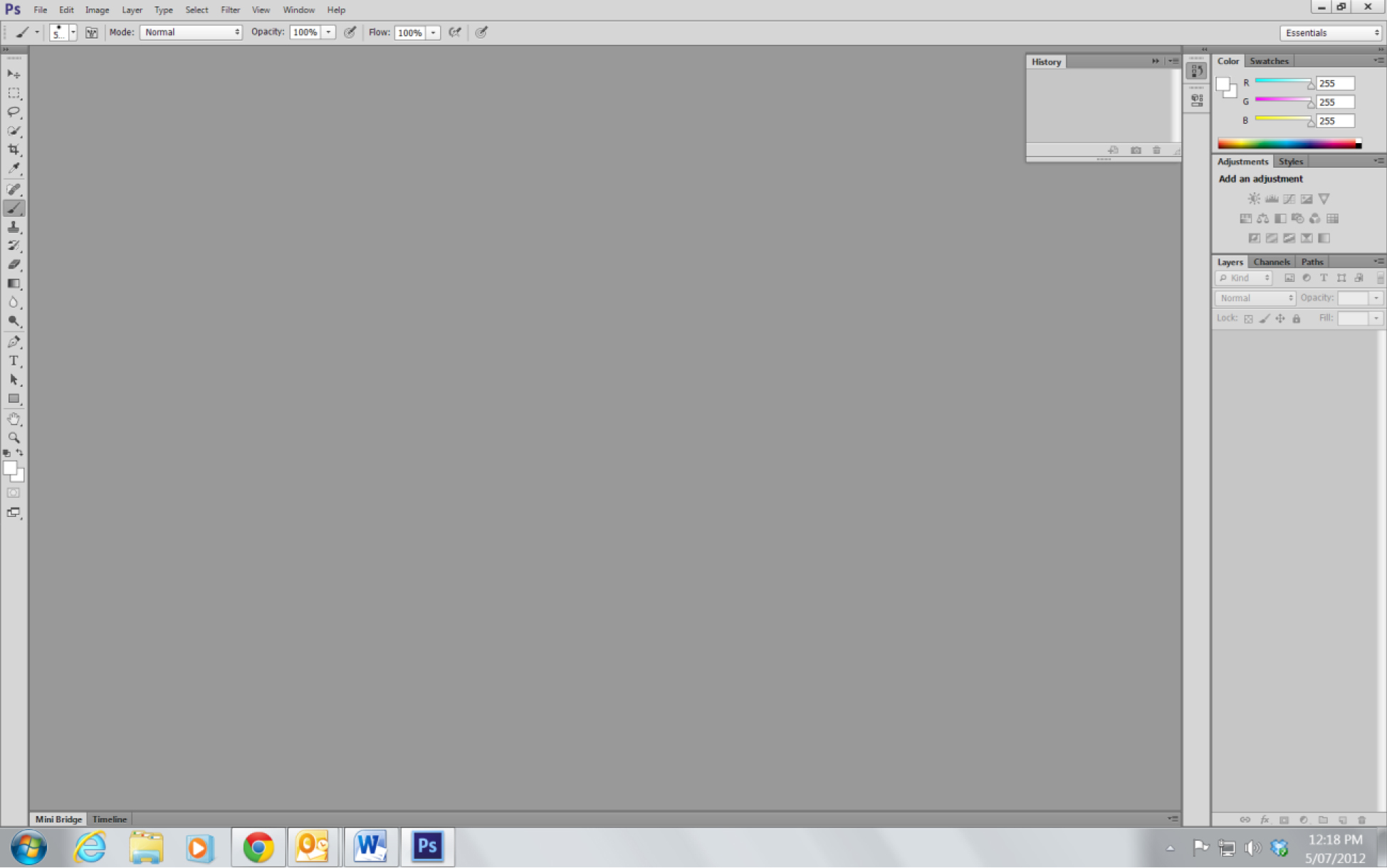
As a lot of non-disabled people have been complaining online about Adobe’s text sizes when running CS6 with Windows 7, I can’t understand why Adobe is consulting with lawyers instead of fixing the problem. Although this is a disability access issue because I am vision impaired, it isn’t only a disability access issue, it’s a user interface issue for ‘normal’ people too.
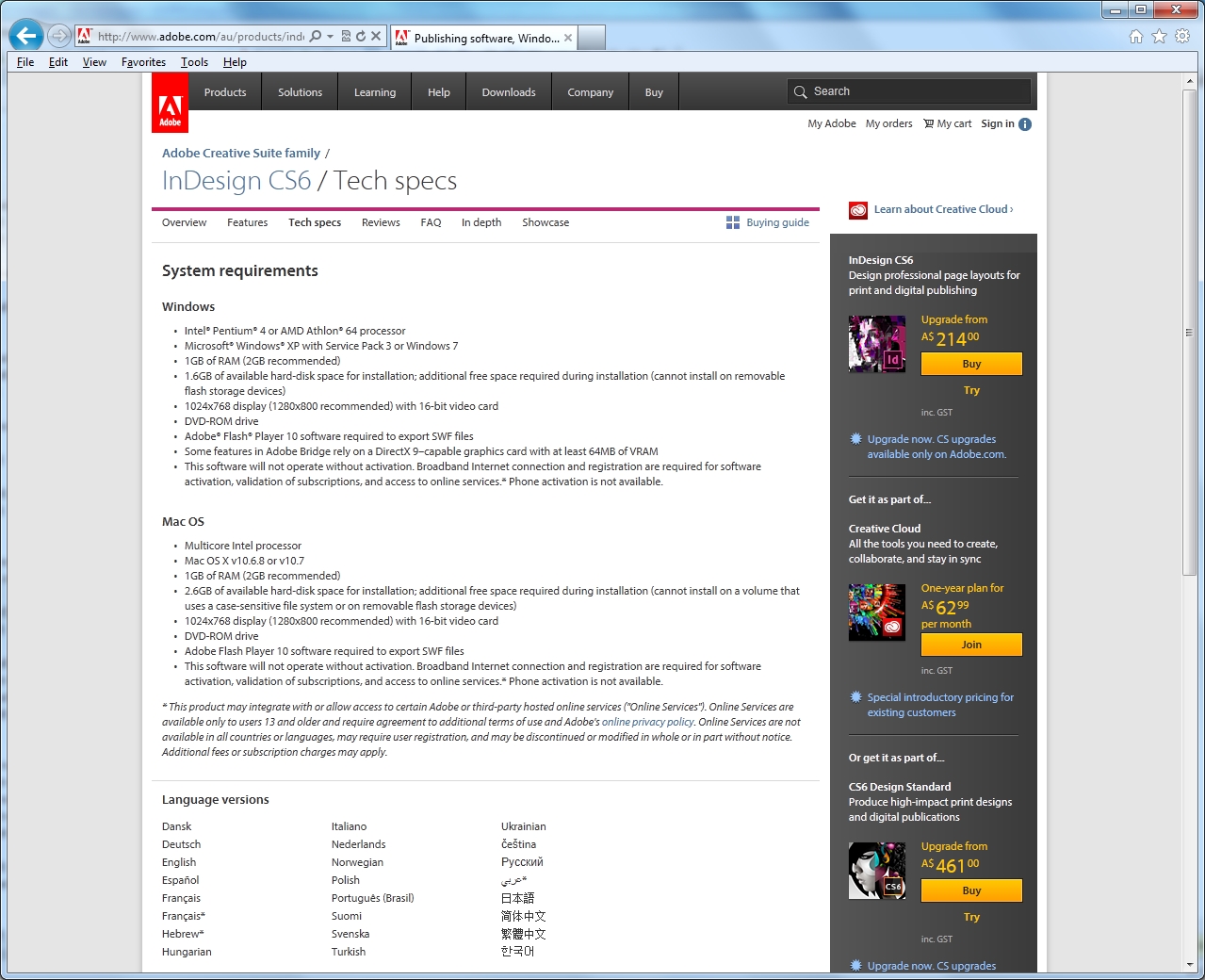
In order to run CS6 in Windows 7, I’ve had to go into properties and disable display scaling on high DPI settings under the compatibility tab. Adobe failed to declare this lack of compatibility in the advertising or on the phone prior to purchase of the product.
Adobe has claimed (over the phone) that disability access has been provided because it’s possible to run Windows’ magnification window. The problem with this is that I would lose half my visual real estate by having InDesign running in two windows: one window each for the native version and the magnified version. I cannot run two monitors to compensate for this loss of visual real estate as my current monitor sits at the front of my desk so I can see it; any other monitor would be too far away and at too great an angle to be ergonomically viable. I might be able to operate basic functions using this dual window operation, but layout would be impossible. In the magnification window only a portion of pages would be visible. In the other window I’d either have only a portion of pages visible or, if I reduced the magnification sufficiently, I could have the entire page visible – at such low magnification that I would not be able to see it well enough to do layout. It wouldn’t be possible to both see the layout and see Adobe’s text & icons to make necessary changes. I’ve requested Adobe field-test their recommended solution and that they provide a video instruction guide to show how I’m supposed to make this solution viable.
So far helpful people have recommended I look at the following alternative desktop publishers: Microsoft Word, Open Office, Scrivener, Quark and Scribus, plus Gimp for image editing, as well as reverting to my previous edition of InDesign.
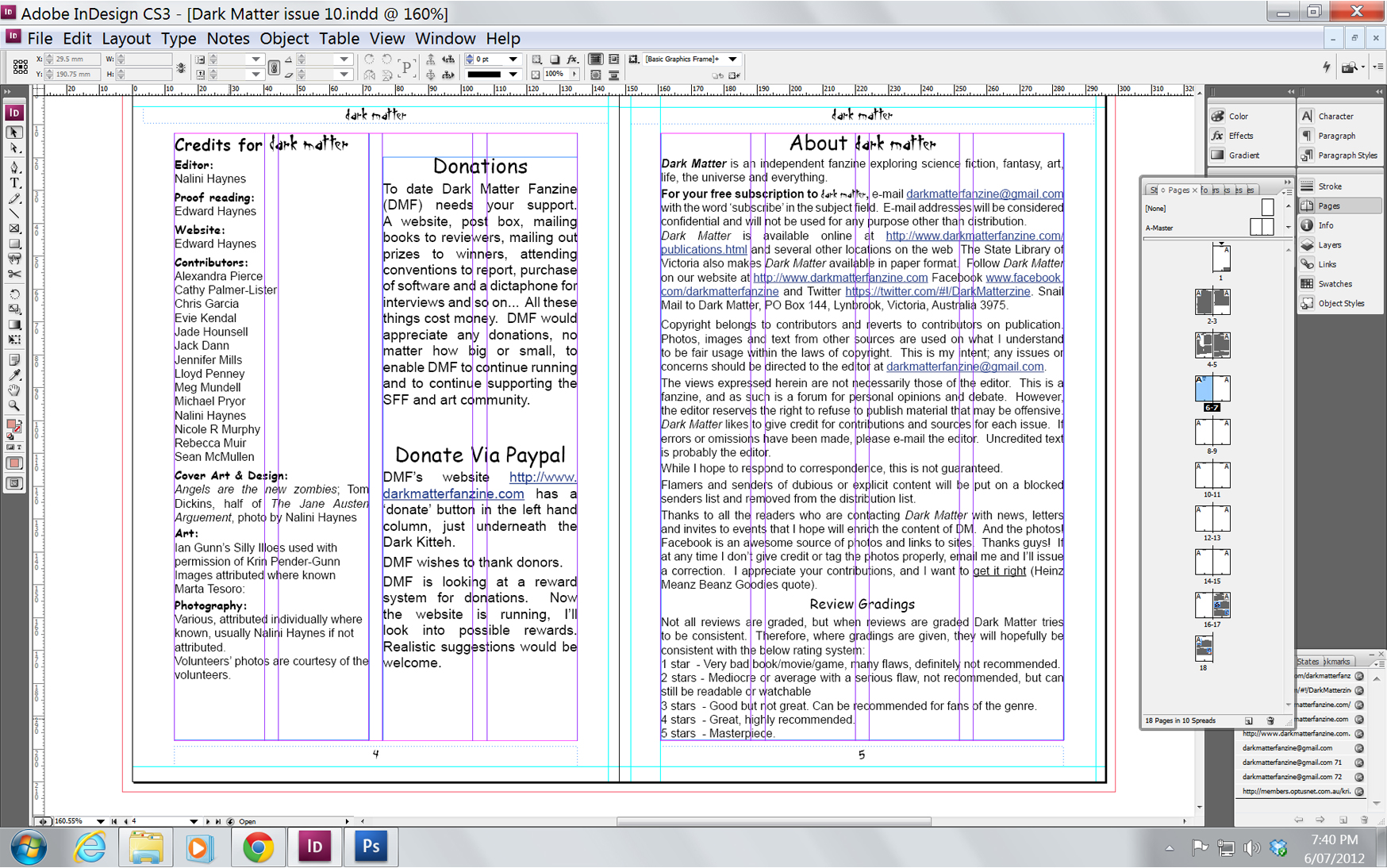
I have been creating InDesign using the CS3 version but I can’t import links: the links menu/list is tiny (similar in size or smaller than Adobe CS6′s default text size of less than 3mm on my 26″ monitor), which is why a number of links in issues 1 to 8 are broken – I haven’t been able to see well enough to make sure that Adobe has linked correctly. It’s also getting harder to work with such out-of-date software as I can’t import or place new file types, I can’t create ePub or Mobi versions, I can’t… you get the idea. I still have access to InDesign CS3, so that is what I’ll use for DMF10. I have no idea what I’ll do after that, as I’ve spent $1063 on upgrading to a product that is not currently viable.
I deeply appreciate everyone’s suggestions. If anyone else has suggestions, feel free to comment in the replies. My husband and I can look into the various options available, and hopefully come up with something that is viable in the longer term.
Return to home page

 _